 vidmoat
 YOUR COURSE TOOLKIT
Resources and downloads
Download the complete course ZIP
Includes the handbook, workbook, practice assets, videos, captions, transcripts and editable source materials.
Everything in this folder works without an account on a course platform. Vidmoat itself needs your normal account and connection.
THE VISUAL COMPANION
Watch the decisions unfold
Six guided screenshot demonstrations show the real controls and the reason behind each action. They are included inside the related lessons too.
SEE IT IN VIDMOAT · INTERACTIVE WALKTHROUGH
From a file to your first timeline clip
Real editor screenshots · September 2026 · Select a step, then tap the image to zoom.
Start in the Media library
Choose Upload / drop media and select the three lamp images from the practice pack. A source in the library is available to use; it is not yet part of the finished video.
Find the upload area, then the three source cards.
Place a source on the timeline
Double-click lamp-wide.png in the library. In this captured example, it becomes a five-second clip on V1. Select the clip before changing its properties.
Look for the outlined clip on V1. The ruler above it is time.
Read the whole workspace
The library is on the left, the picture in the middle, and the selected clip’s Motion controls on the right. The timeline below decides what appears and when.
Select your own clip and check that the inspector follows your selection.
Step 1 of 3
SEE IT IN VIDMOAT · INTERACTIVE WALKTHROUGH
Give a title room to breathe
Real editor screenshots · September 2026 · Select a step, then tap the image to zoom.
Write the message
Add a Clean Title from Text, select its timeline clip, and open Style. Replace the content with Small desk. Big difference. This is an emphasis title, not a transcript.
Content changes the words; font, size and fill change their treatment.
Notice the collision
This first attempt places the title over the lamp. The words compete with the detail we want people to see. Pause before adding more decoration.
Ask what should get attention first: the product or the words?
Move into open space
Drag the selected title upward in the preview. The real captured edit clears the lamp. Next, improve size and contrast for your own footage and watch the whole shot.
Compare the two frames. Moving a title can solve more than adding an effect.
Step 1 of 3
SEE IT IN VIDMOAT · INTERACTIVE WALKTHROUGH
Give the agent a useful reference
Real editor screenshots · September 2026 · Select a step, then tap the image to zoom.
Check the target of your request
Open Ask AI. A selected-clip chip scopes the request to that clip. Remove the chip when your brief applies to the whole edit. These screenshots show the composer before sending.
The Clean Title chip in this capture means the title is selected.
Separate inspiration from footage
Choose + Style reference for inspiration. Use the regular upload path for material that belongs in the video. Explain what you want to borrow: text placement, pace, palette or mood.
The captured UI accepts reference images or the first two minutes of a reference video. Check the current limit in your app.
Find the same task on a phone
In the phone browser, use AI in the bottom navigation to reach the chat. Open the relevant panel instead of trying to fit the entire desktop workspace on screen.
This is the responsive web editor. Native app arrangements may differ.
Step 1 of 3
SEE IT IN VIDMOAT · INTERACTIVE WALKTHROUGH
Make a deliberate picture adjustment
Real editor screenshots · September 2026 · Select a step, then tap the image to zoom.
Select first, transform second
Select the image clip, then open Motion. Scale changes the size; X and Y change position. A diamond beside a property is a keyframe control.
Start with a still composition that works. Then follow the lesson to animate it.
Adjust with a reason
Open Color for the selected clip. Inspect the real controls in this panel, change one thing at a time, and compare against the original. The lamp artwork is a teaching source, not a skin-tone grading test.
Use your own representative footage for the colour exercise; do not copy arbitrary values from a screenshot.
Step 1 of 2
SEE IT IN VIDMOAT · INTERACTIVE WALKTHROUGH
Choose an export you can check
Real editor screenshots · September 2026 · Select a step, then tap the image to zoom.
Choose the destination
Open Export. This vertical practice project is 1080 × 1920. Choose where it is going, or use Quick check for an early review. No export job was started for these screenshots.
The destination preset is a starting point. Read the summary before you render.
Read the actual settings
Expand Advanced settings. Inspect format, resolution, frame rate and quality. A larger output cannot restore detail that was never in the source. Options depend on the current project and plan.
Here the source is vertical, so Full is 1080 × 1920. This is not evidence of a 4K export.
Review on a small screen
The phone browser presents the same export task in a narrower view. Scroll within the settings if necessary, and read the final resolution before starting.
After a real export, open the resulting file and check picture, sound, captions and ending.
Step 1 of 3
SEE IT IN VIDMOAT · INTERACTIVE WALKTHROUGH
Work one panel at a time on your phone
Real editor screenshots · September 2026 · Select a step, then tap the image to zoom.
Bring in the source
Use Media in the bottom navigation to open the library. Upload the practice image, then add it to the timeline.
Switch panels when the preview or controls need more space.
Inspect the selected clip
Select the clip, then use Properties to reach the inspector. The controls shown depend on what you selected.
If the wrong properties appear, check the selected clip before changing anything.
Return to the picture
Close the panel to check the preview. Use the clip actions below the preview for trim and split tasks.
Make small edits, then review with the controls out of the way.
Step 1 of 3
Original practice assets

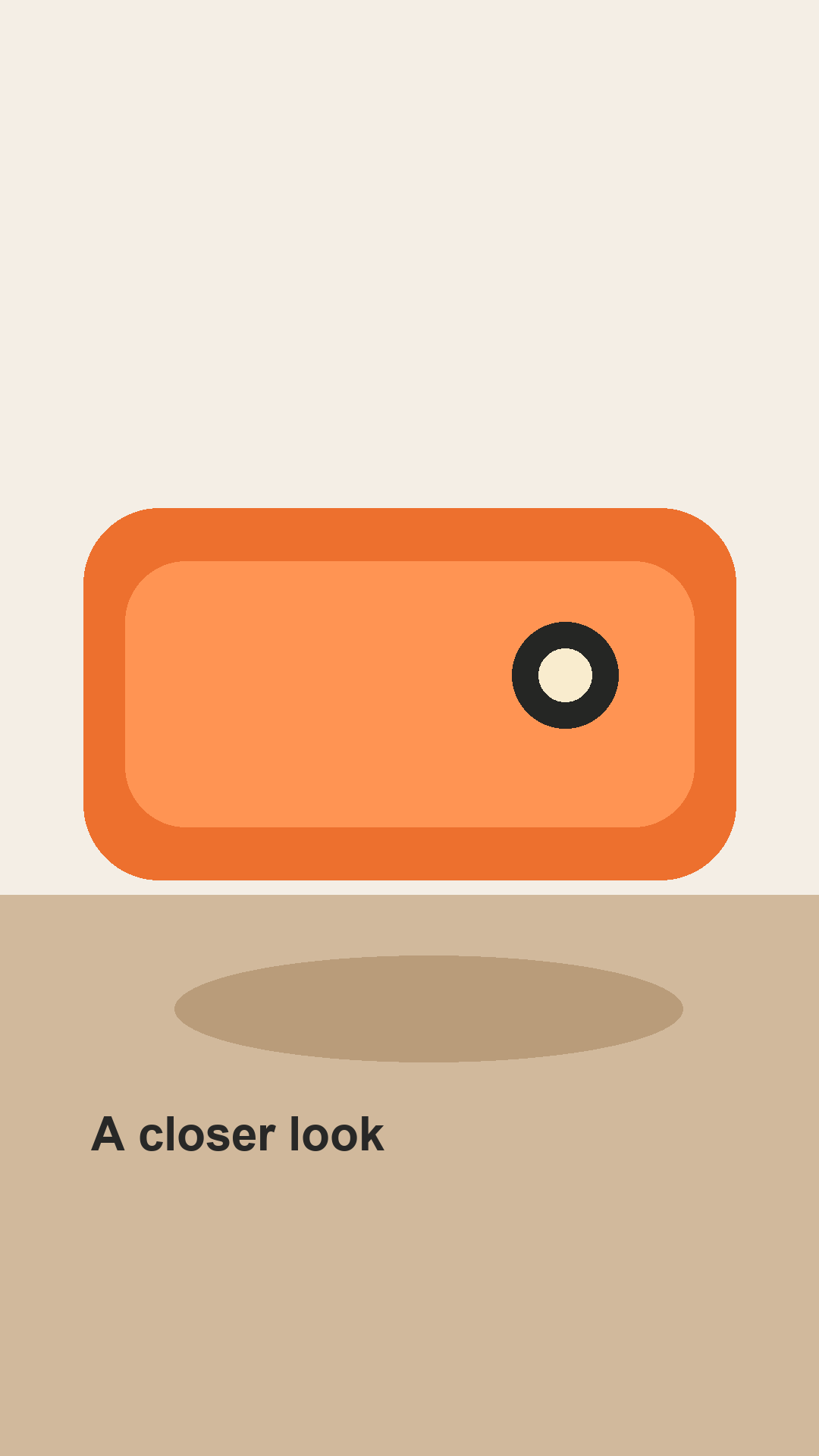

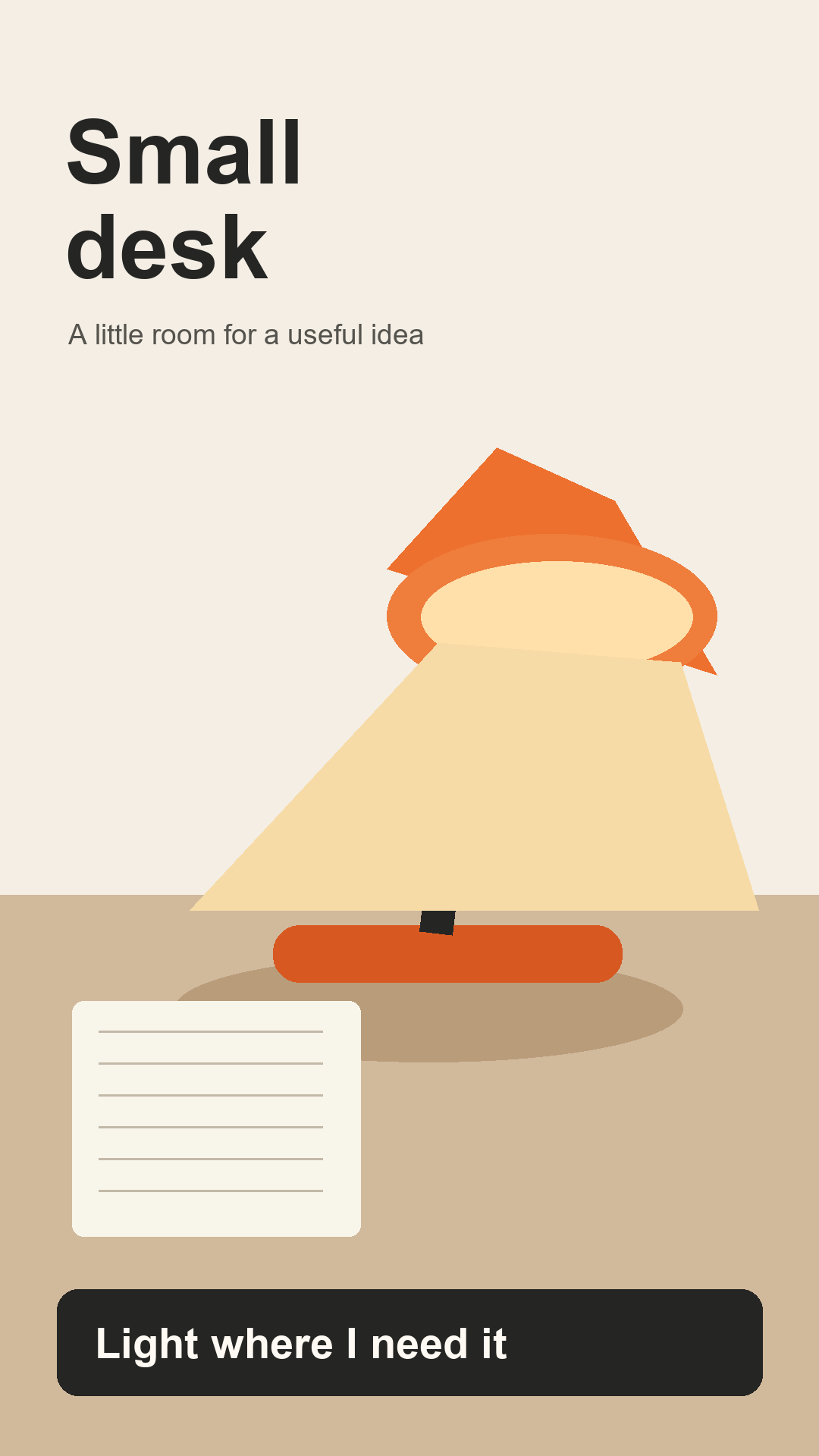

Download the 30-second practice music · Download the two-tone listening control · Asset use and provenance
Research and product references
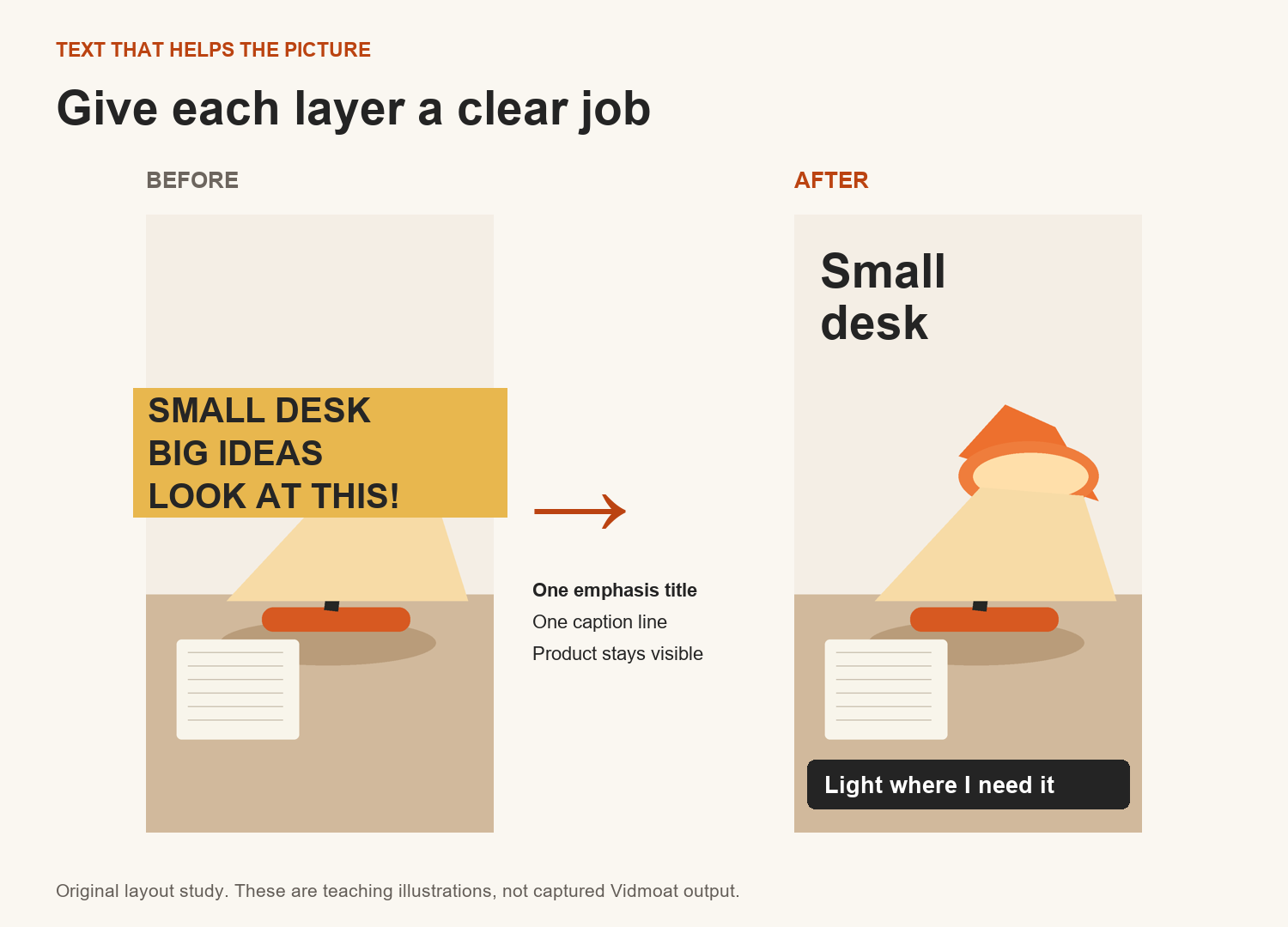
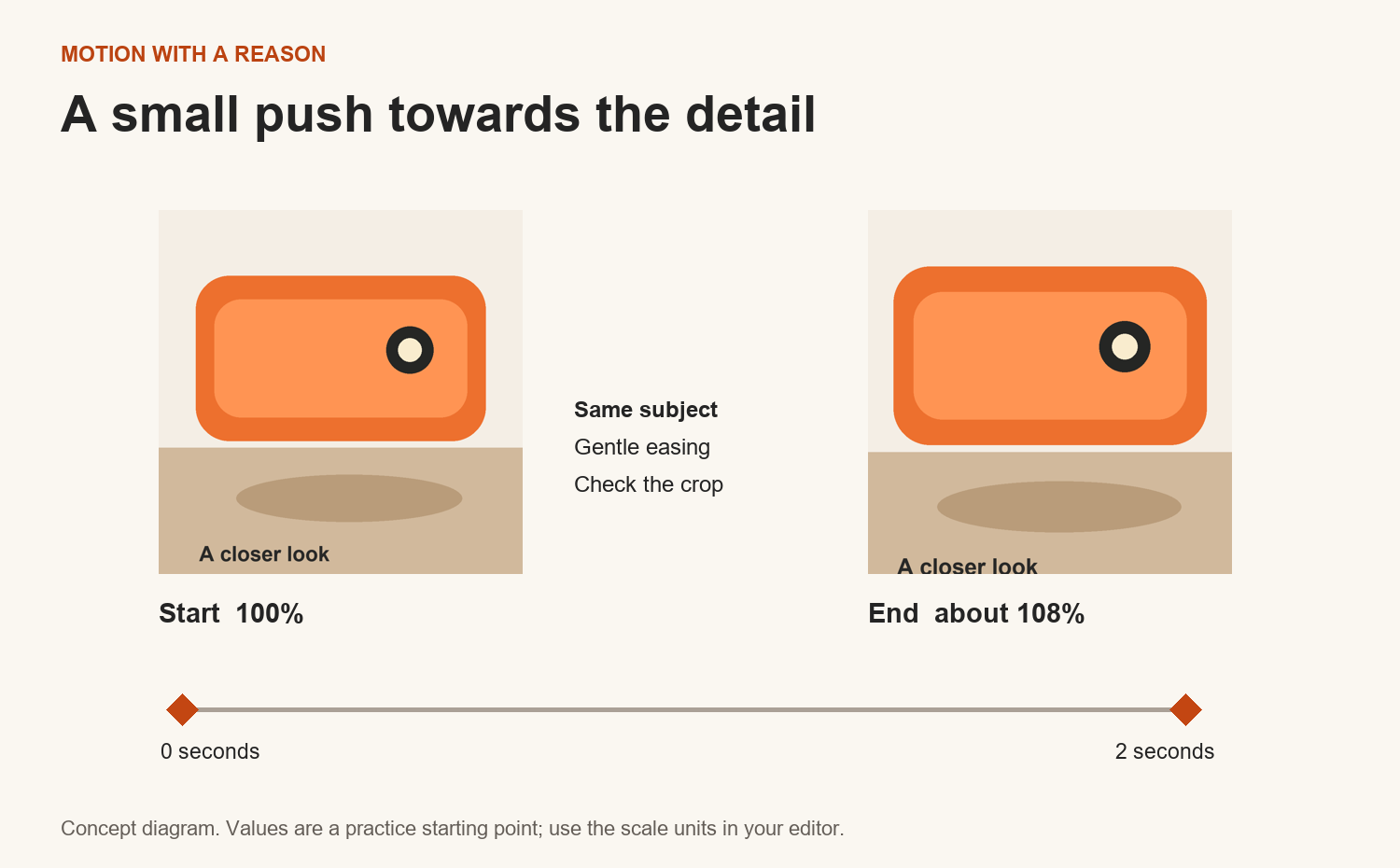
Caption layout study · Keyframe concept diagram
Udemy course structure
Informed the short, outcome-led lessons and practice after each topic. Original Vidmoat content and exercises.
Udemy creation process
Informed the sequence from learner outcomes to instruction, practice and publishing preparation.
Coursera course example
Reviewed as an example of modules combining instruction, readings, assignments and peer review. No lesson text or media copied.
Udemy course quality checklist
Marketplace publication requires video and other quality criteria. This package is a complete text course and production kit; it does not contain recorded lectures.
Vidmoat help
Useful for in-product help. Some older articles differ from newer releases; current controls and plan notices take precedence.
Vidmoat pricing
Check current account entitlements, AI credits, branding and output limits before paid exercises.
Your data in this course
Progress, answers and notes stay in your current browser. No analytics are sent by this package. Clearing browser storage can erase that local record. The download below saves your record as JSON.
September 2026 edition. Complete text course; interactive screenshot demonstrations included; 59 minutes of AI-narrated video lessons included. The curriculum CSV is a mapping aid, not a SCORM package or a guaranteed platform import.